
By AppX Studio
Signature Maker - Sign Creator
Create your signature once, then sign PDFs, documents and photos in seconds.
1K+ downloads
Free on Android


Create your signature once, then sign PDFs, documents and photos in seconds.
Sign directly on the screen with your finger or stylus.
Type your name and style it with elegant signature fonts.
Import a handwritten signature straight from your photo gallery.
Add your signature to PDF files, contracts, forms and images.
Keep multiple signatures — rename, reorder, duplicate or delete anytime.
No login needed and nothing stored in the cloud.


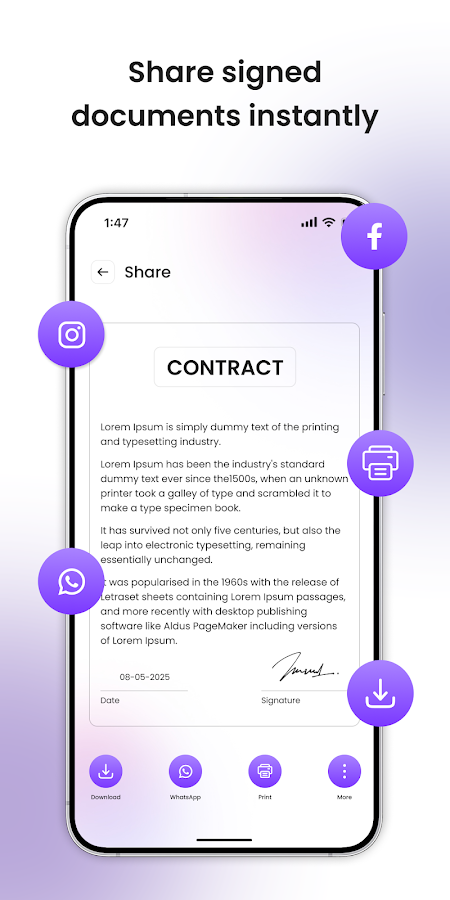

Need to sign a document fast? Signature Maker is the easiest way to create, save, and add your signature to any document—right from your phone. No printing, scanning, or uploading needed.
Whether you're signing PDFs, contracts, forms, or images, this app gets it done in seconds. Just draw, type, or upload your signature and start signing like a pro.
Whether you're a freelancer, business owner, student, or just need to sign documents on the go, Signature Maker is the perfect app to make it quick and easy.
Free on Google Play. Join 1K+ happy users.
Get it on Google Play