By AppX Studio
Control Center
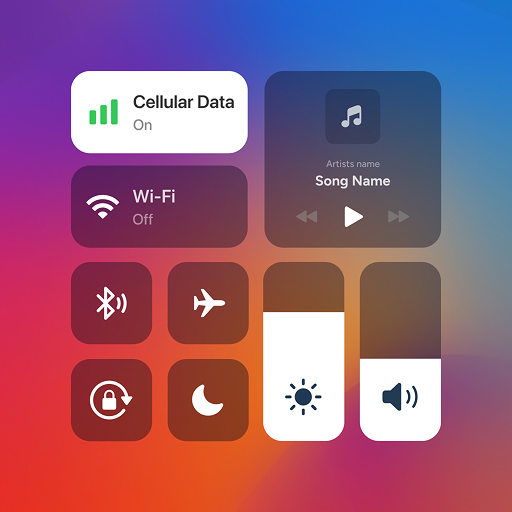
OS-style control center for Android — quick toggles, sliders and shortcuts in one swipe.
4.2 rating
100K+ downloads
551 reviews
Free on Android


OS-style control center for Android — quick toggles, sliders and shortcuts in one swipe.
Instant access to Wi-Fi, Bluetooth, Airplane Mode, Do Not Disturb and flashlight.
Adjust brightness and sound with smooth, OS-style sliders.
Capture screenshots or record your screen with a single tap.
Play, pause and skip tracks without opening your music app.
Add quick-access shortcuts to Camera, Messages, Gallery and more.
Customize the panel layout, colors and position to match your style.


Take full control of your device with Control Center, designed to replicate the sleek and intuitive OS-style control center experience on your Android device. Manage essential settings, apps, and tools with a single swipe—just like on OS!
Instant access to Wi-Fi, Bluetooth, Airplane Mode, Do Not Disturb, Flashlight, and more with an iOS-inspired interface. Control your device settings effortlessly.
Adjust brightness and sound levels with smooth sliders, mimicking the iOS control center style, whether you're in a dim room or outdoors in the sun.
Capture screenshots or record tutorials, gameplay, and more with just a tap—all through an iOS-style control panel.